June 2026
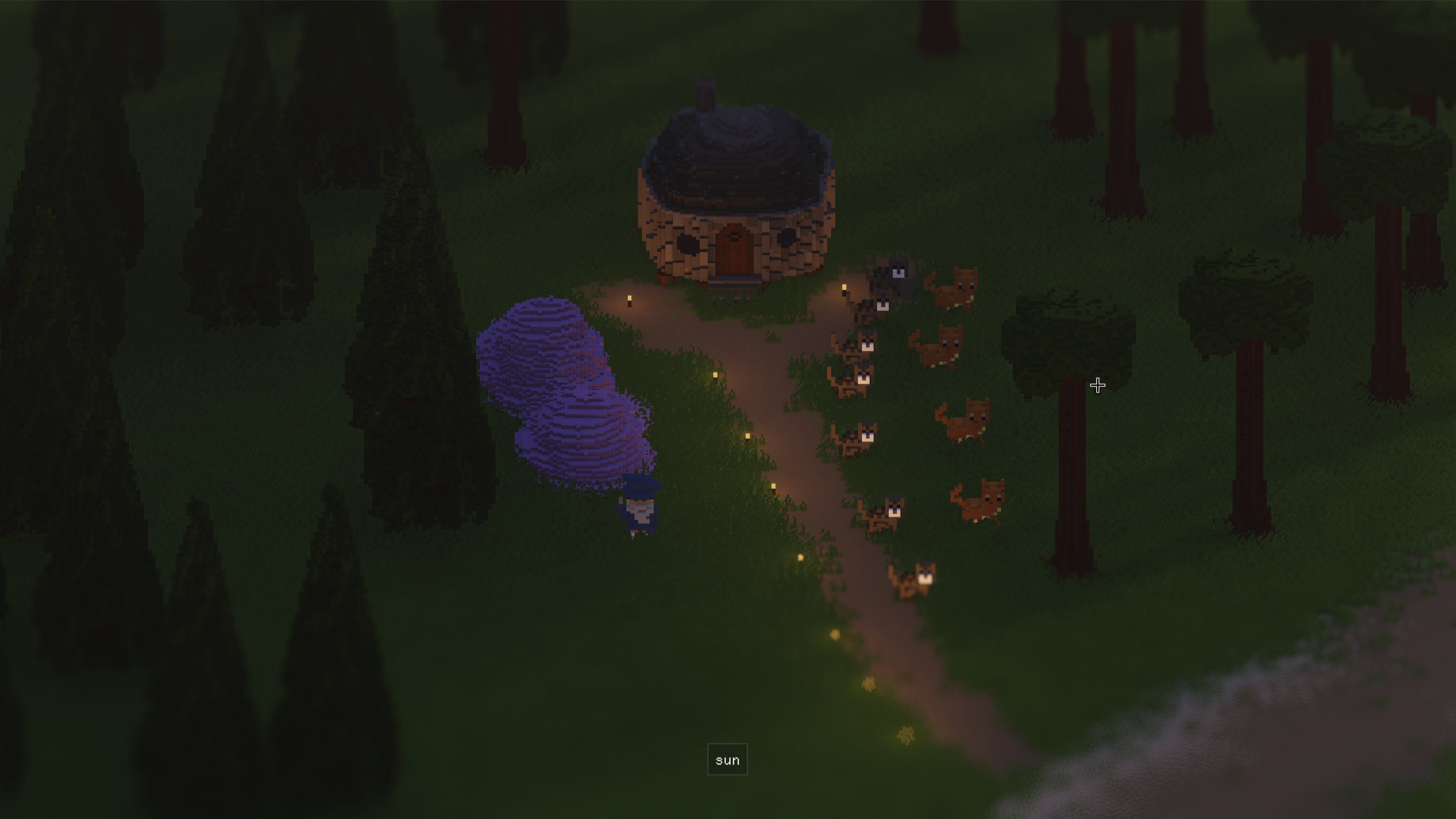
We back! Very productive month and more to come with vacation lurking around the corner.
Rendering
MagicaVoxel

I dusted off my old magicavoxel file format parser and added models back in to the game. I didn’t stop there though, I also looked at how I could use the format to represent animated objects. The animation process is very tedious but it’s very inspired by pixel art where you draw it frame by frame, but it works!
Materials
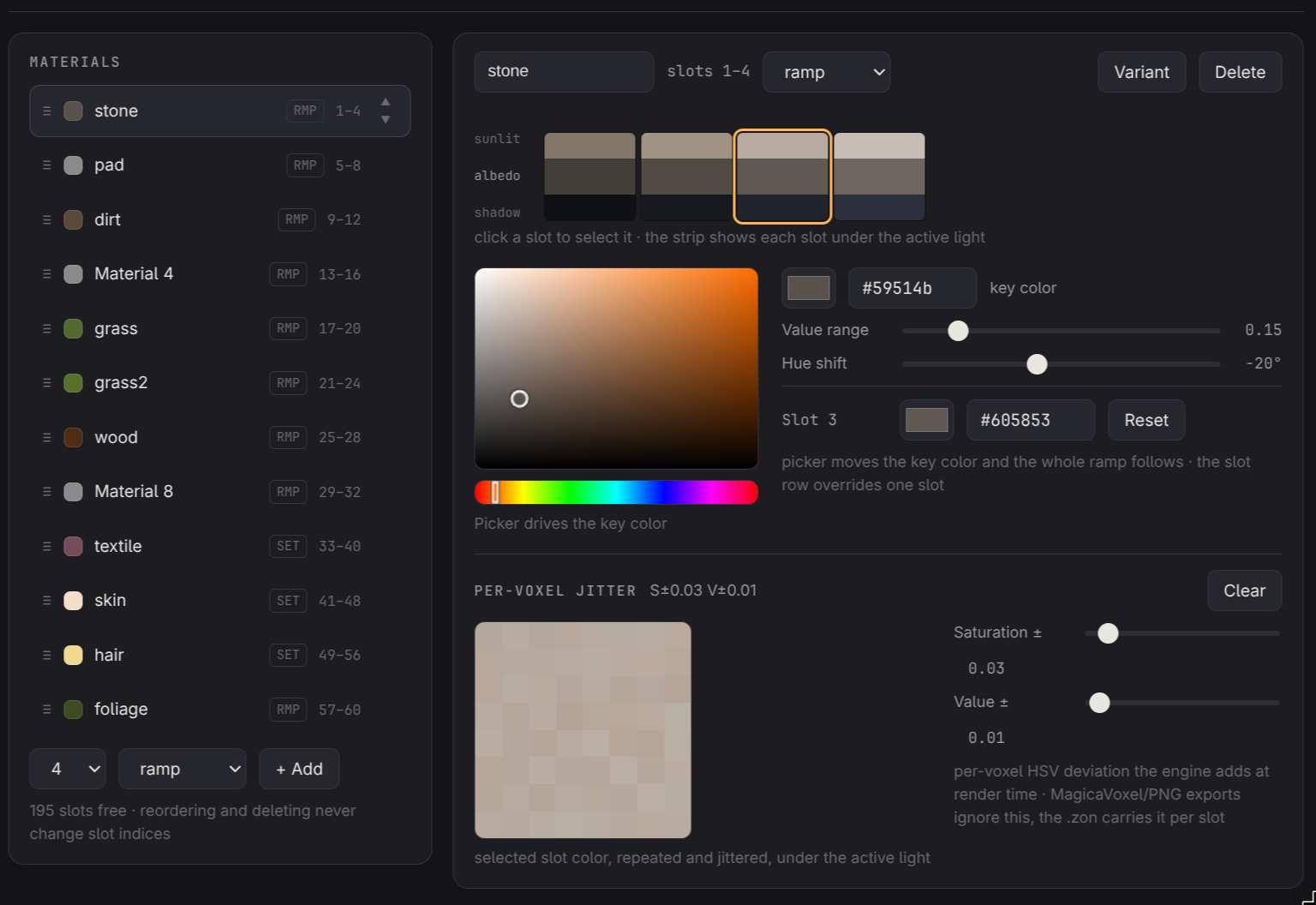
One somewhat frustrating aspect was dealing with the materials used both by models and voxels. So I let claude create a small tool for building the material palette. It lets me build a color palette with some tools for creating gradients and previewing colors under certain light conditions. Nothing too fancy but I didn’t really make it myself so no time wasted. This palette is then saved to a friendly format and applied both to terrain and models.
Lighting
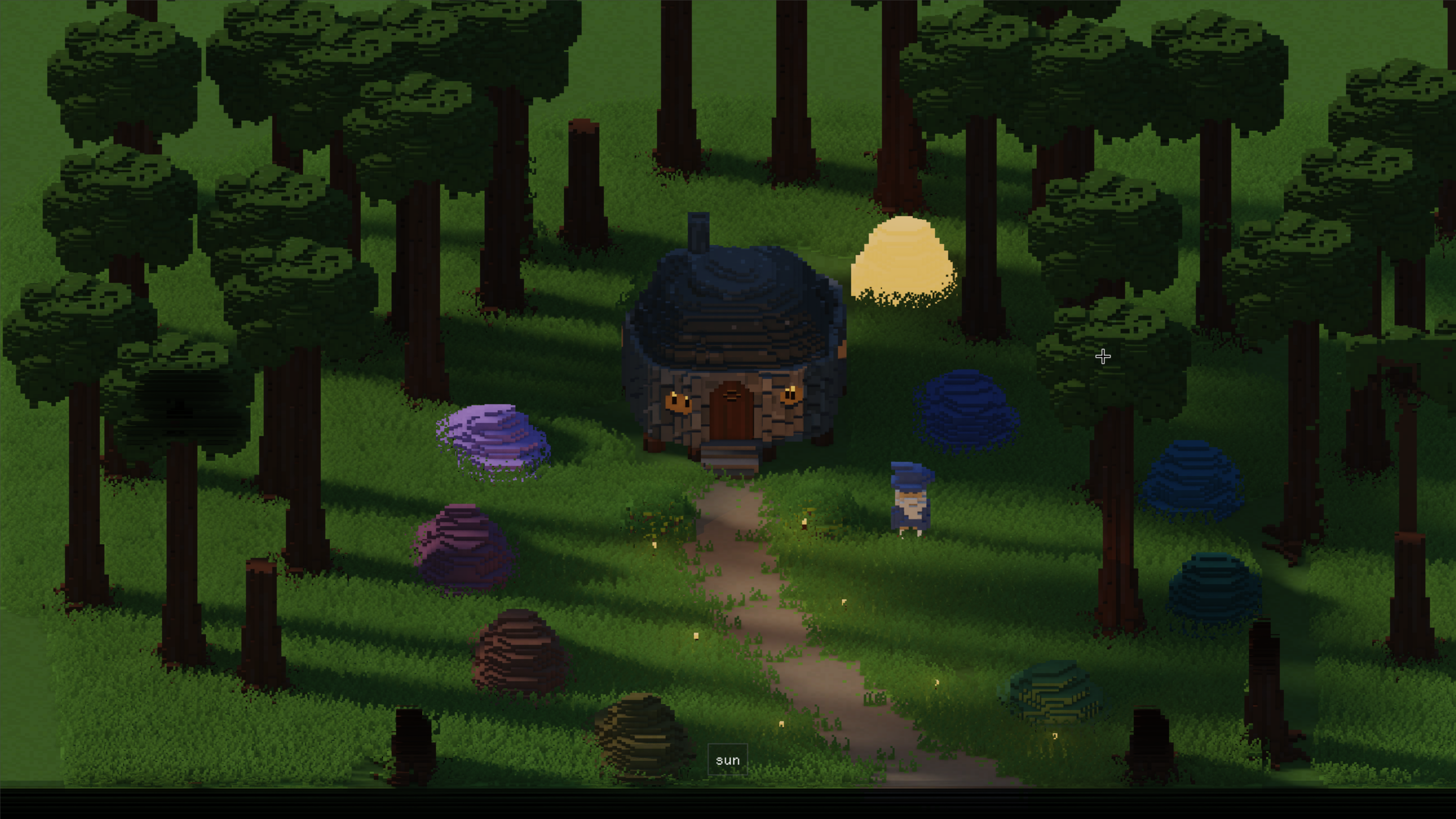
Lots going on in the lighting department, including a large number of smaller tweaks for constants used throughout. The aim is not really realism so going a lot on gut feel.
I also had a major problem to solve, the lighting of models. Shadows and the global illumination are all based on rays which works great with the terrain which all lays neatly in a ray friendly structure. I tried incorporating the models into this as well with various acceleration structures (avoiding Vulkan RT for reasons), but it didn’t go great. It was slow and messy.
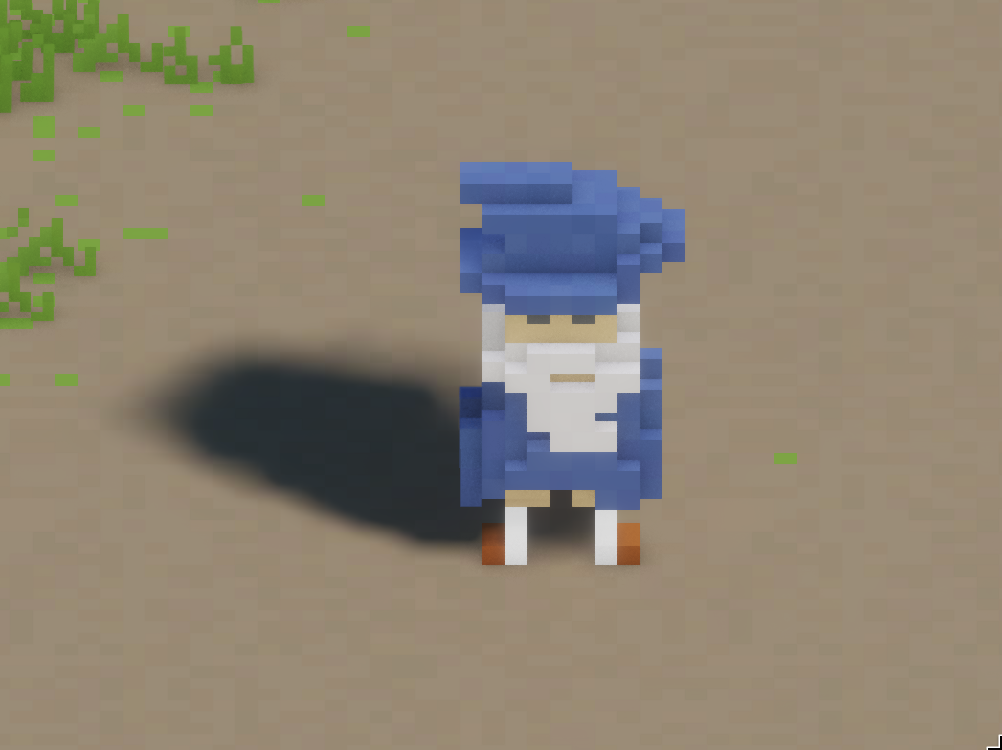
Then came my saviour (sort of), screen space! Like Metro Exodus I implemented my raytracing for both lighting and shadows to first make an attempt in screen space. As you can see it’s far from perfect, but it just works right out of the box.
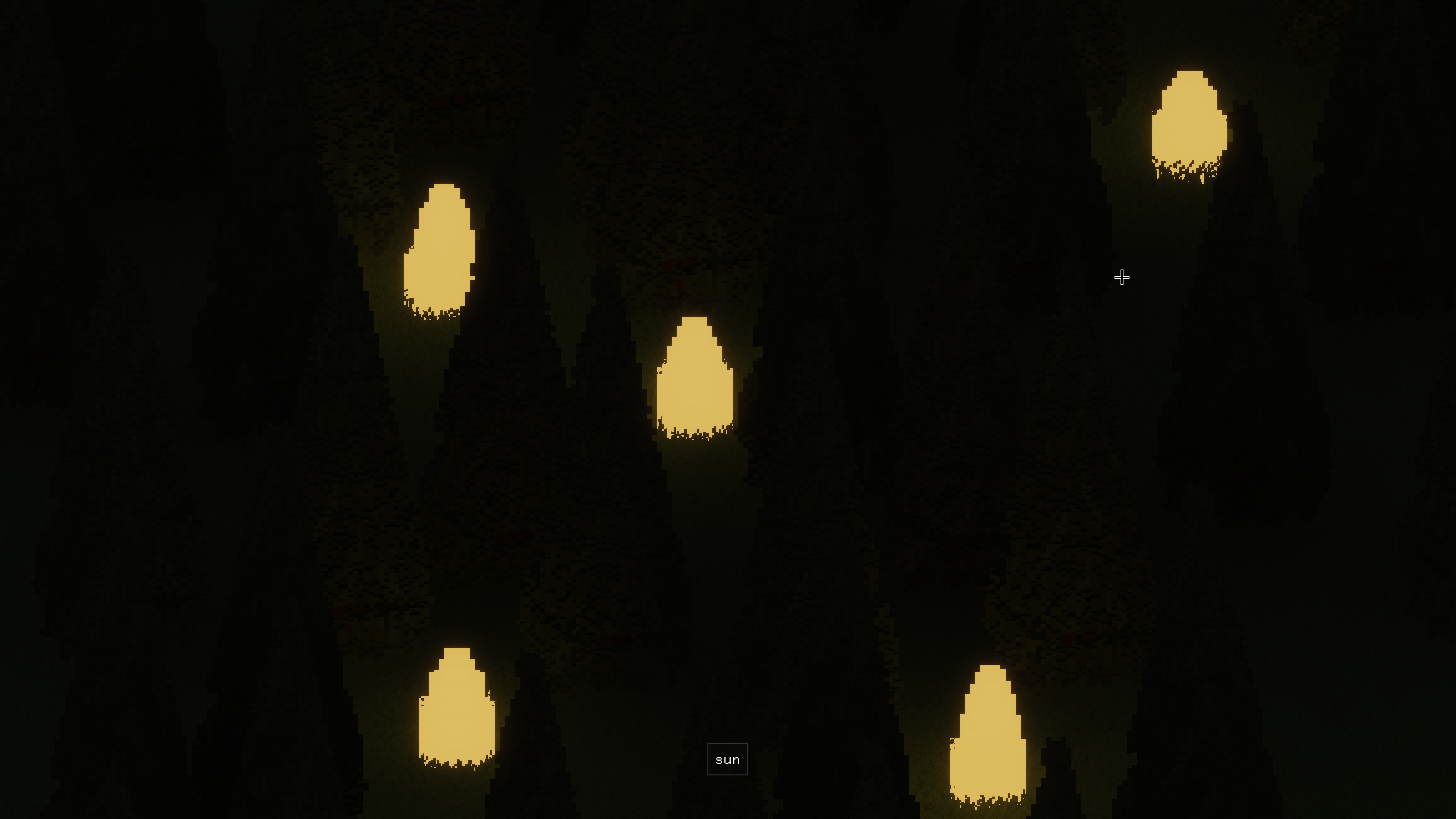
I also added some other stuff to test the lighting out properly, like a sun cycle, emissive voxels, and point lights with shadows.
Refactor voxels (again)
Here we go again… I decided it was actually time to implement some basic but very necessary features for my voxels, meaning loading and saving to disk. Looking at the codebase I realized some things in there weren’t really relevant given my new objective (smaller world) so I threw it out and rewrote parts of the system.
Caching
First off we have the cache. This is where all voxel chunks on the CPU live. It’s fairly simple and not much has changed there. But now we have proper eviction and a better system for tracking chunks, like whether they need to be saved to disk or if they are in use and shouldn’t be evicted.
Loading/Saving
Inspired by minecrafts region file format I set out to implement something similar. The world is stored in regions, regions then contains multiple chunks, avoiding having to deal with one file handle per chunk. Now I have a system with a simple API where you just request what chunk to load or save and it automatically deals with the file aspect of it all. This API is then used by the chunk background worker, which deals with IO requests for voxel chunks.
Editor
Also added some basic tools for editing to try things out:
Microblog
For funsies I made a small microblog for just posting screenshots basically. It’s a bit more streamlined for me to just quickly share screenshots or videos quickly. It can be found here.