January 2026
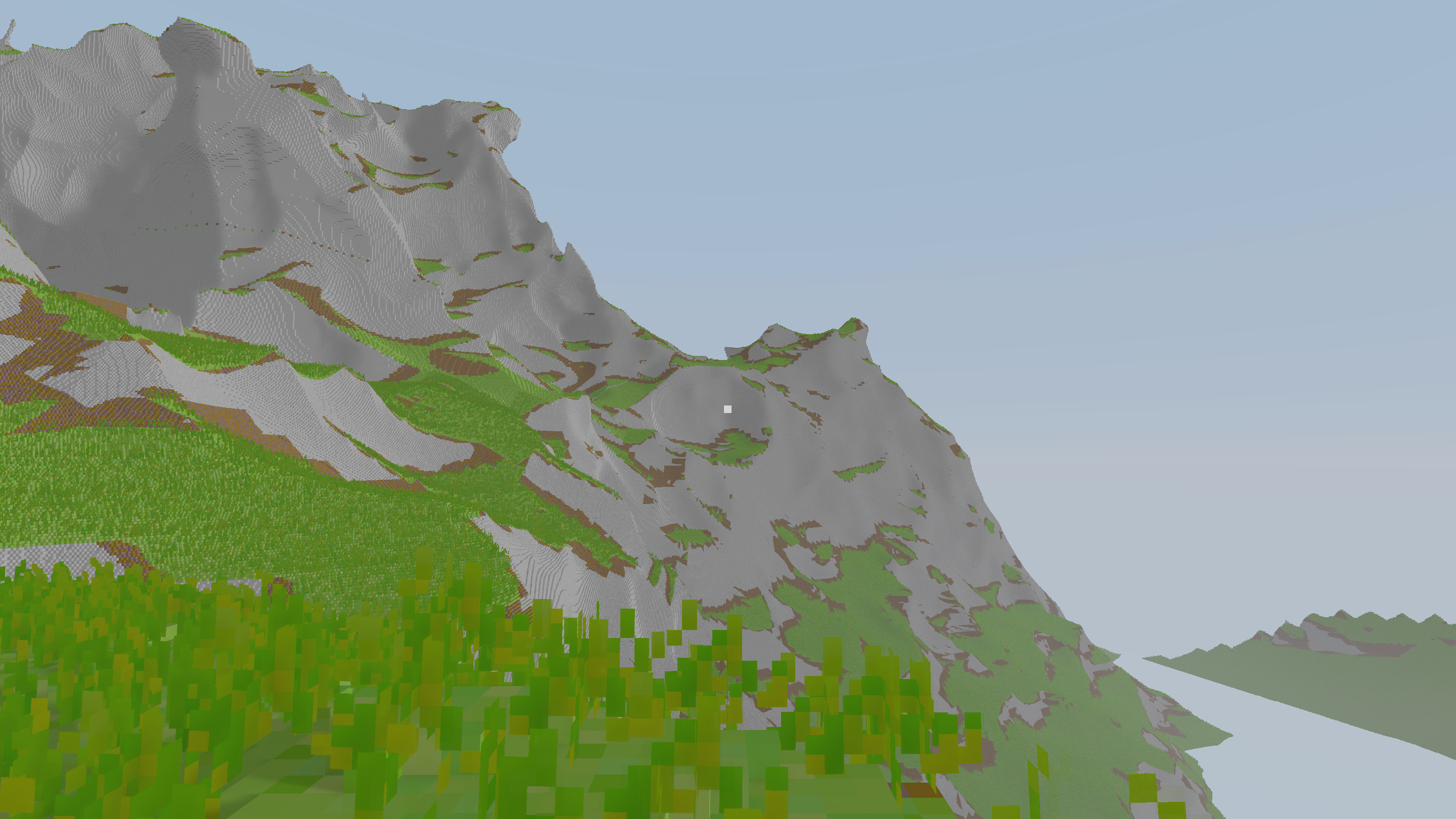
Plenty of stuff to showcase this month so lets jump straight into it.
Voxel structure
New year, new me. New me realized old me had no clue what he was doing. It might be fairer to say that the requirements have changed but I’m also the one setting the requirements. I started thinking about how to do LODs using my old system and after trying some different approaches I started feeling like I was fitting a problem to a solution rather than the other way around. And here we are, a somewhat new solution to a new problem.
On the CPU the voxels are structured like this:
World
→ Grid of Chunks
    → Grid of Bricks
        → Voxels
Loading and streaming to the GPU is done per chunk, but the brick map approach allows me to save some memory by not wasting space on too many empty voxels.
For editing in the world I request a view of the voxels, where I perform my changes to an intermediate buffer before committing them all at once to the storage. This allows me to be a bit more efficient in how I manage chunks and bricks:
var view = world.beginEdit(begin, end);
view.set(pt, .stone);
world.endEdit(view);
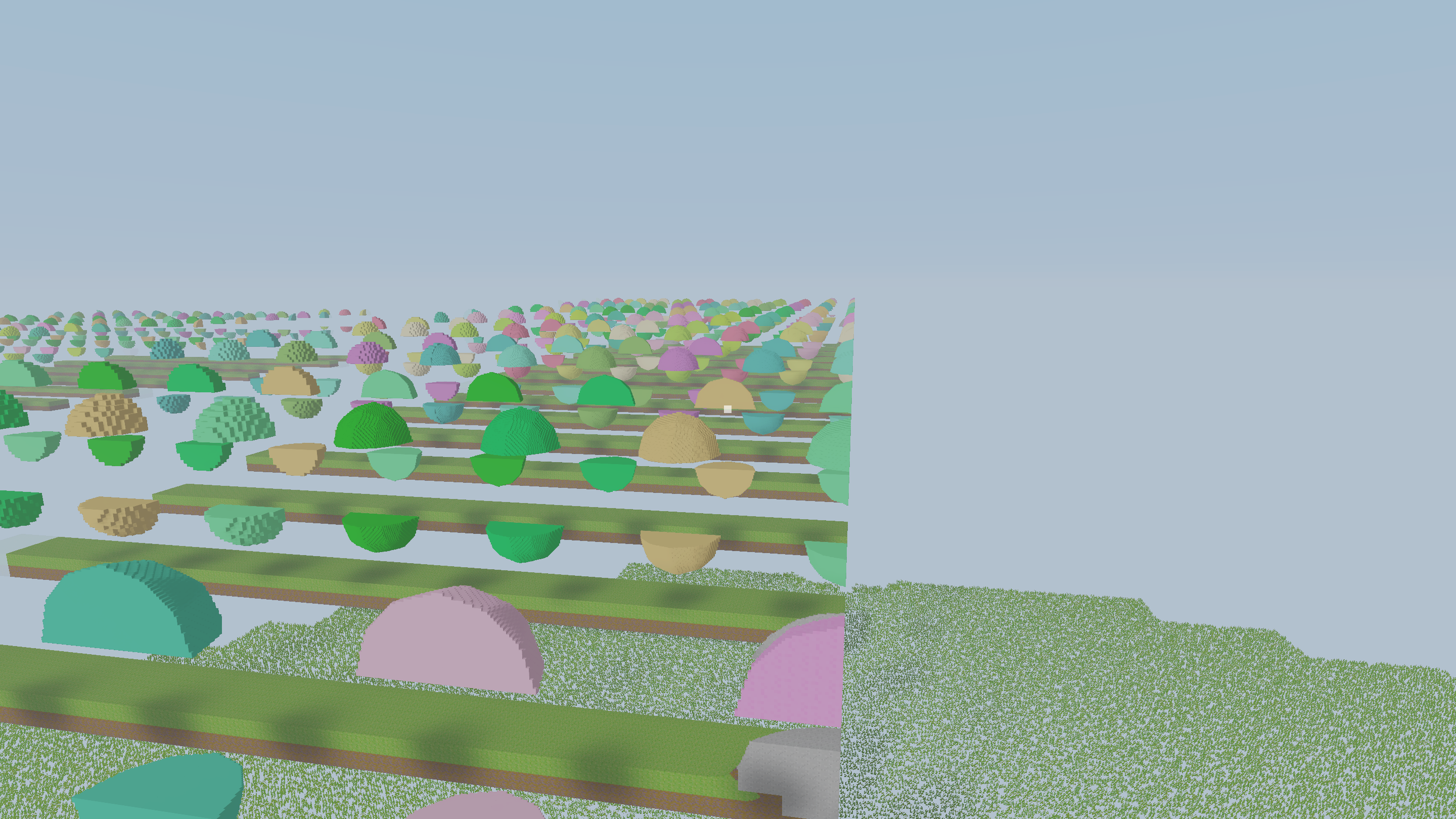
To actually render this I stream any changes to the GPU. This step also includes compressing the chunks into a sparse 64-tree to make them smaller and more efficient to traverse. The rendering then has a top level acceleration structure (TLAS) which is just a grid of chunks. The raycasting traverses the TLAS in a DDA manner to determine which chunks are relevant to traverse. This might look like above if you get it wrong.
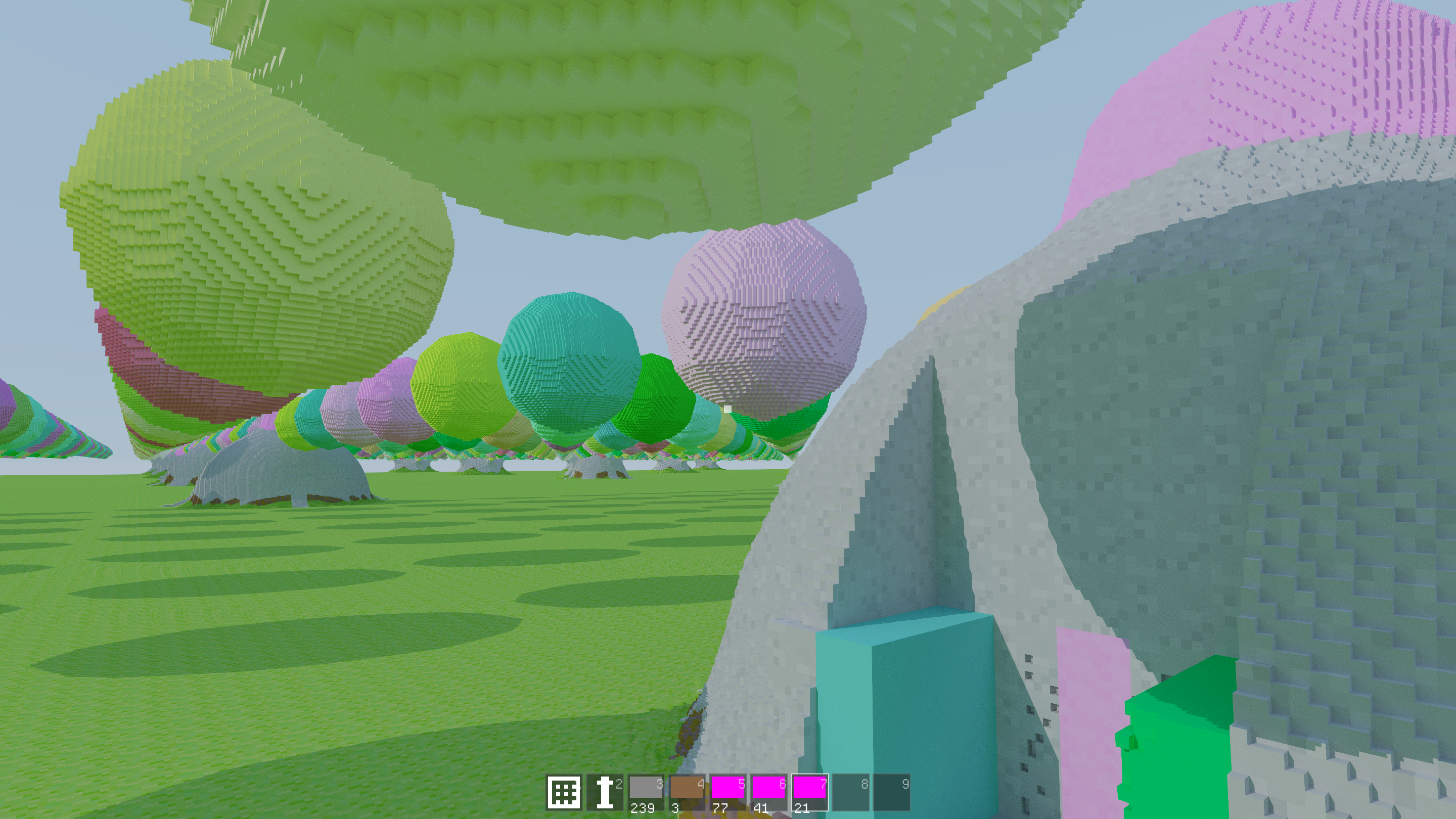
This is very similar to what I did before, just some minor tweaks. The main addition is the LODs. Taking some inspiration from Mike Turitzin’s great video on a game engine based on SDFs, I decided to try out geometry clipmaps. What this means is that I now have a nested set of chunk grids, one for each LOD. Each grid is centered at the camera and contains the same number of chunks. You then have a different scale per level, trading resolution for larger coverage.
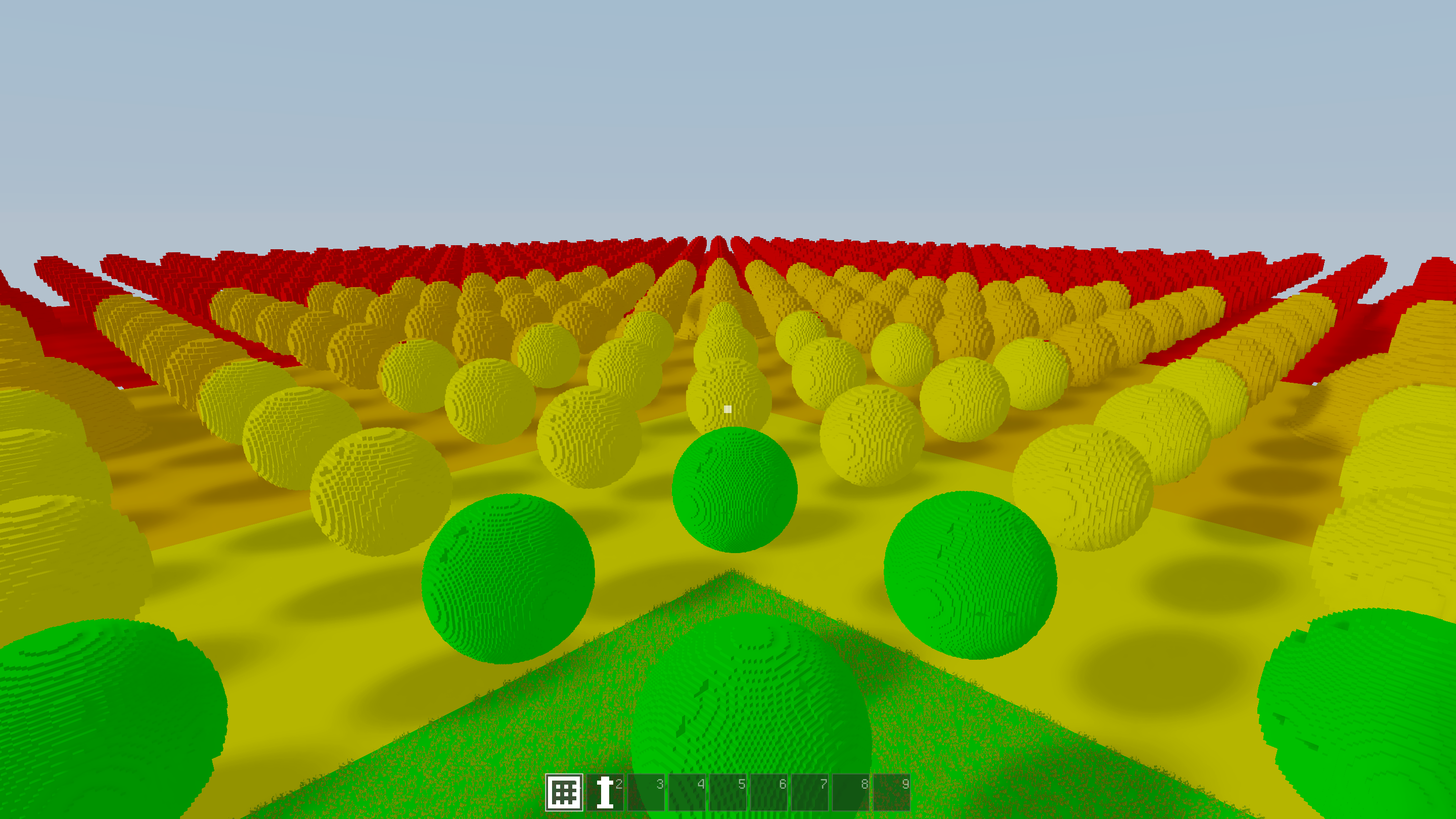
And Bam! We have LODs. Don’t mind the artifacts, nested ray traversal is difficult, okay? Traversing the TLAS was a bit tricky to get right. The main issue is that since chunks are streamed in and we always want to display something, we need to pick the best chunk available for every cell during traversal.
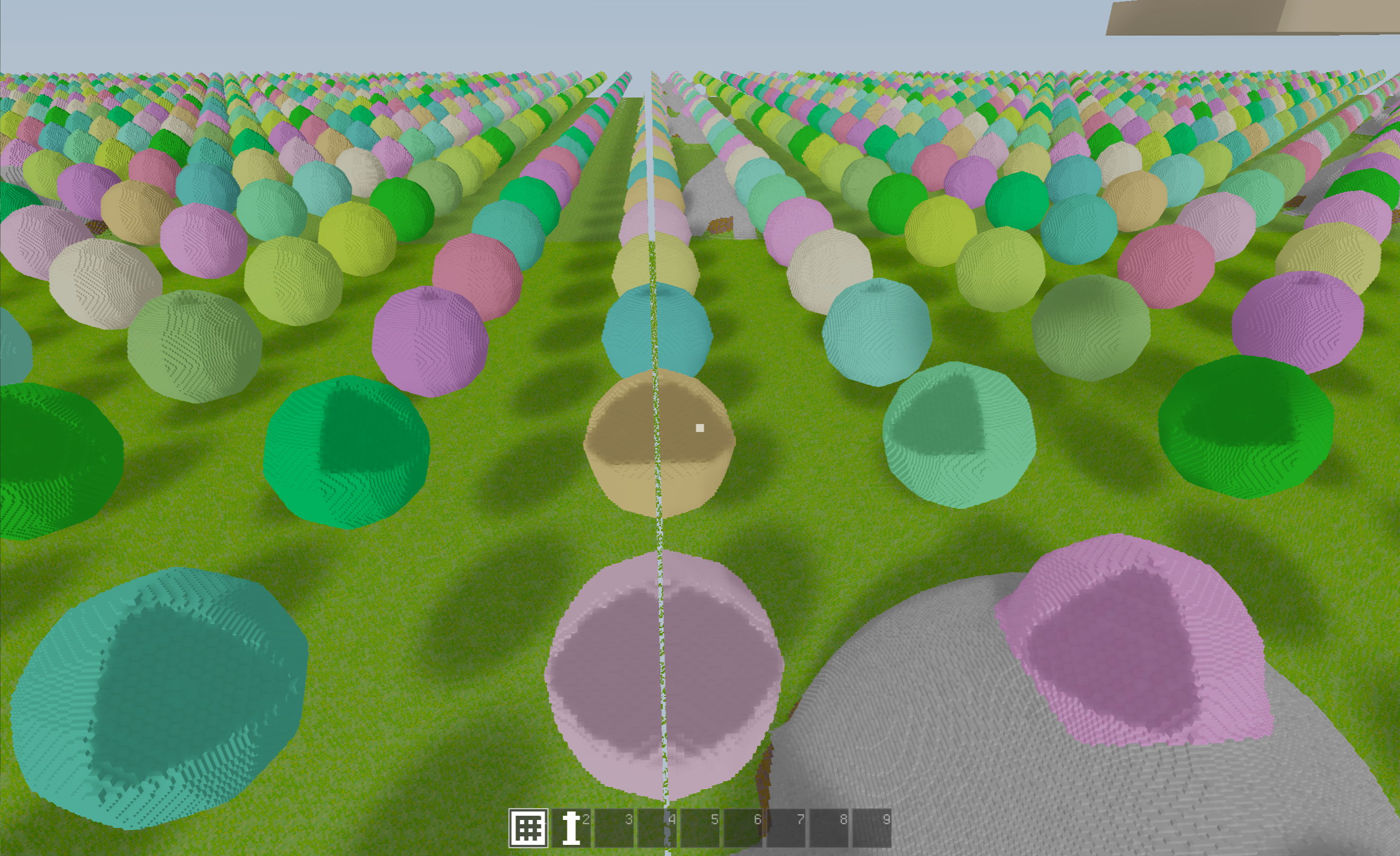
Did I mention it’s difficult to get the traversal right at times?
To make my life a bit easier I have limited editing and foliage to LOD0 (closest to camera). But the neat thing about this is that for lighting I can just hook up the new TLAS traversal and it just works. I will have to look into the performance later since it is a bit wasteful to do full lighting for pixels we barely see though. But I’m doing an overhaul of the lighting so that will come later!
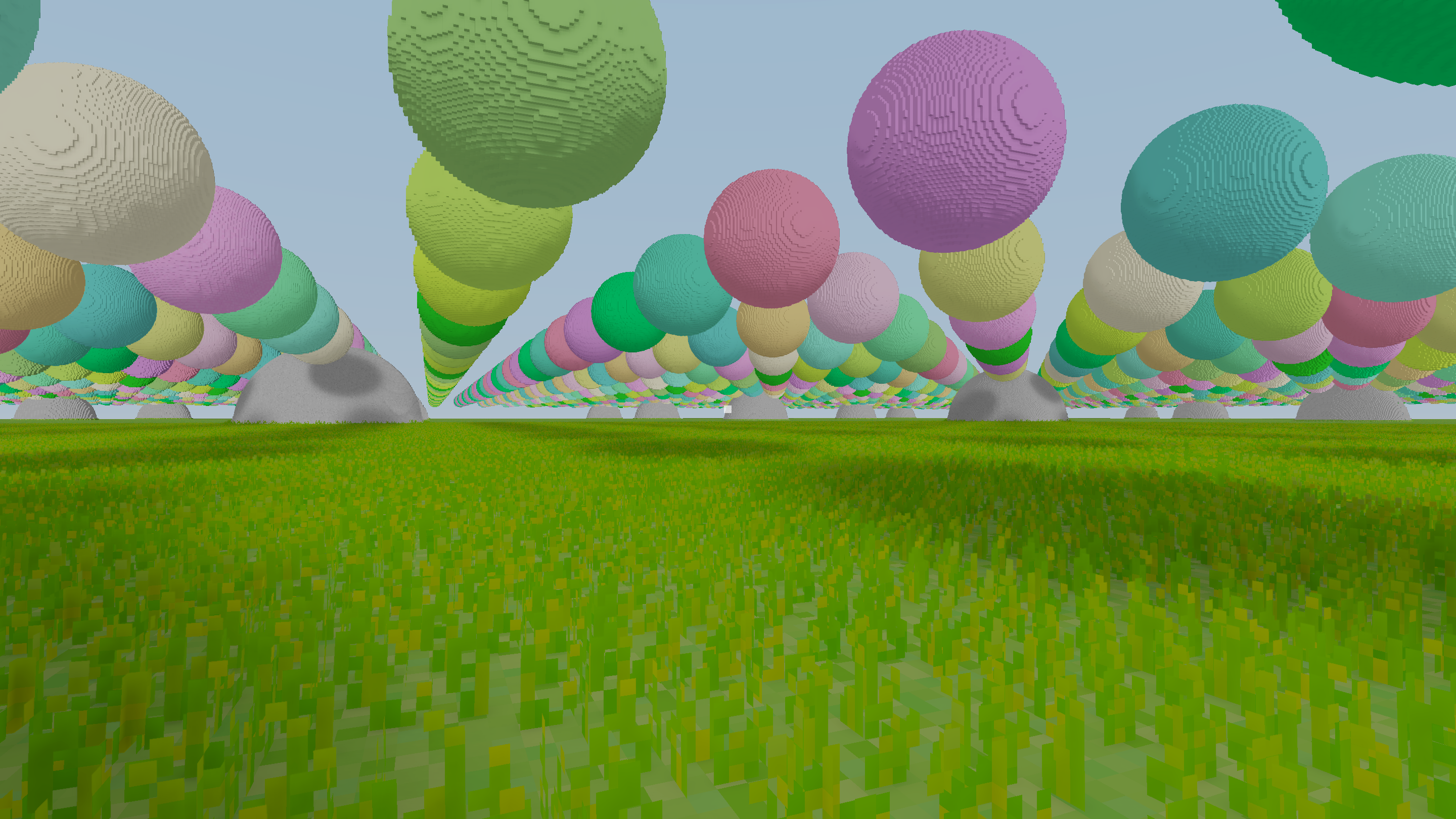
In the end I got something that looks good enough. It’s way cheaper to render, generate, and stream to the GPU.
Lighting
One thing that has been frustrating is lighting. It’s fairly easy to get something that looks good enough outdoors if you don’t care about realistic lighting. However, the moment you step indoors, such as into caves, all immersion is gone. That constant ambient term you lazily set to simulate indirect lighting screws you badly in a cave that is supposed to be pitch black.
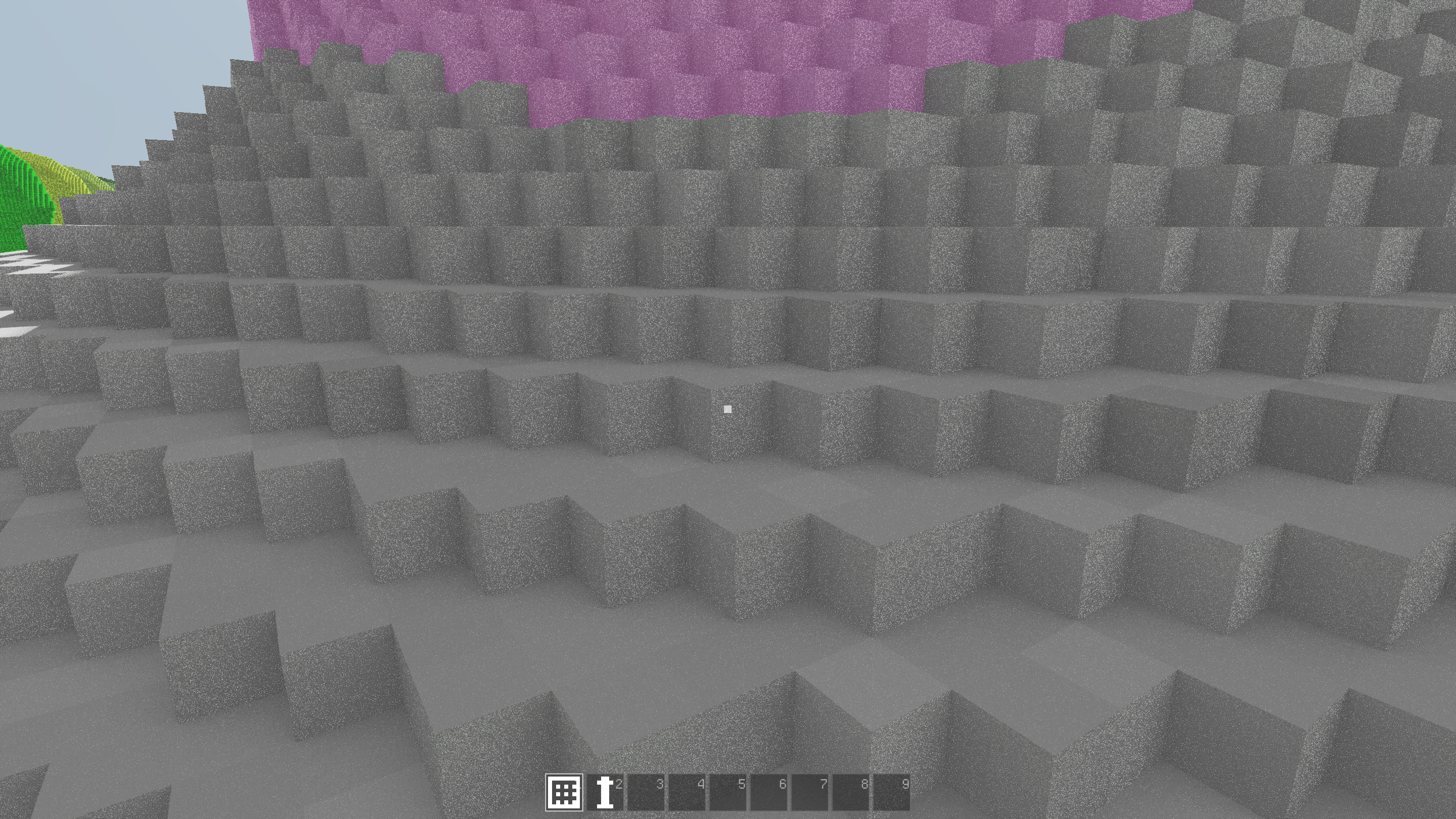
In the past I have used ray-based occlusion which kinda works. But in true stochastic fashion it’s a battle between spending time taking samples (casting rays) and dealing with low quality output. Noise like above is my nemesis, not only does it look bad in itself but it affects other filters along the pipeline (such as TAA) making things even worse. Let me tell you, there were times when I would rather let the player run at 5 fps than having to deal with more noise. In short, I’m terrible at denoising so let’s try fixing that.
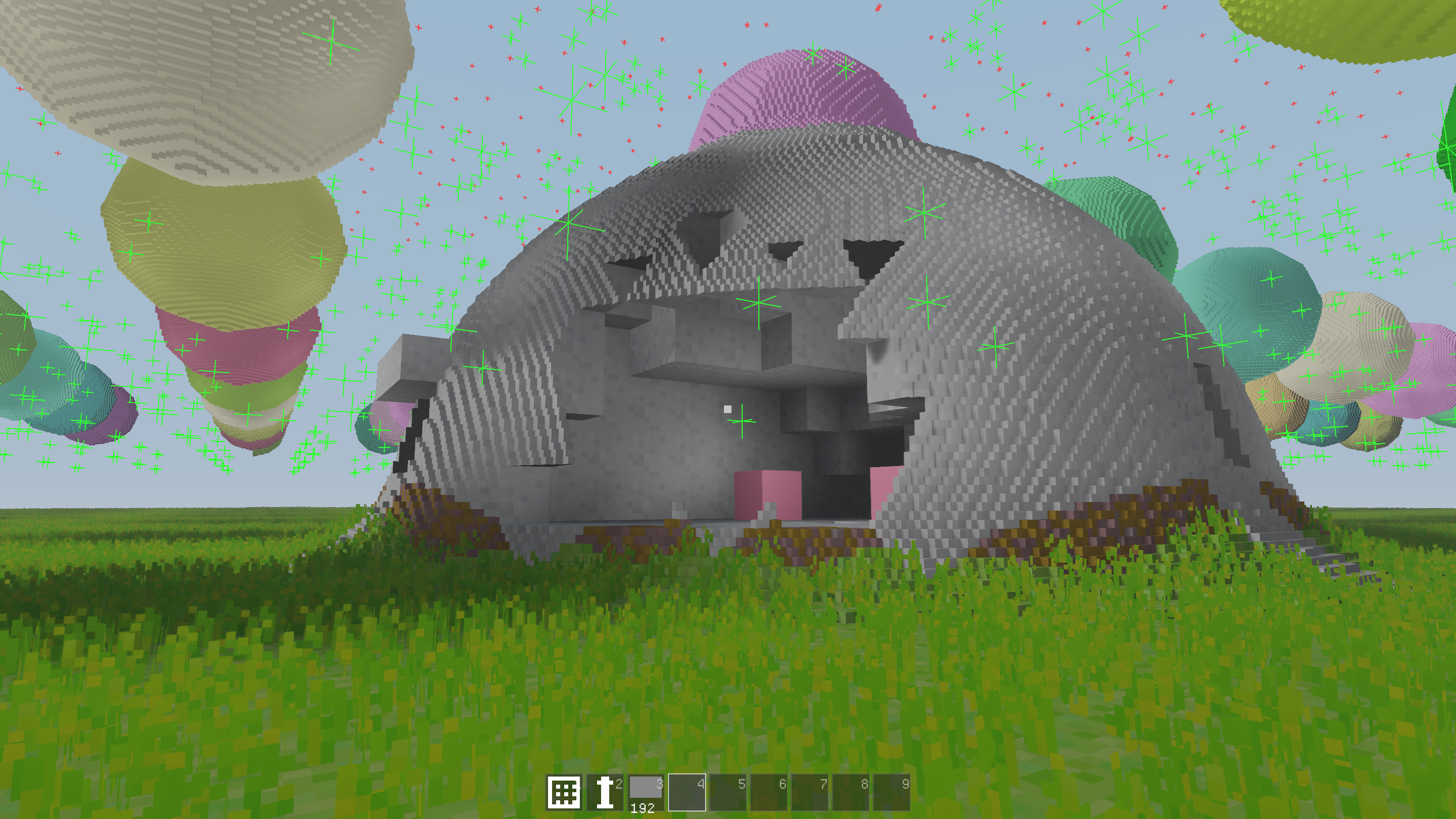
I first thought that maybe I could cheat the noise by trying another approach, DDGI and light probes. Like shown above, you place a set of probes around the world and sample the light through these. This seemed to have been successfully implemented by Douglas in a similar engine to mine. However, I gave up quickly. To be fair, I didn’t spend that much time on it. It’s a neat idea but there are a lot of caveats, like where to place probes. I might continue on this track later but I got slightly distracted by Tiny Glade.
There is a certain elegance to throwing around rays like a madman and if you know what you are doing it looks really good (e.g. Teardown and Tiny Glade). Back to noise I go! I have gathered a handful of references for better denoising so let’s see if there is something I can do. The Tiny Glade GI solution seems particularly interesting.
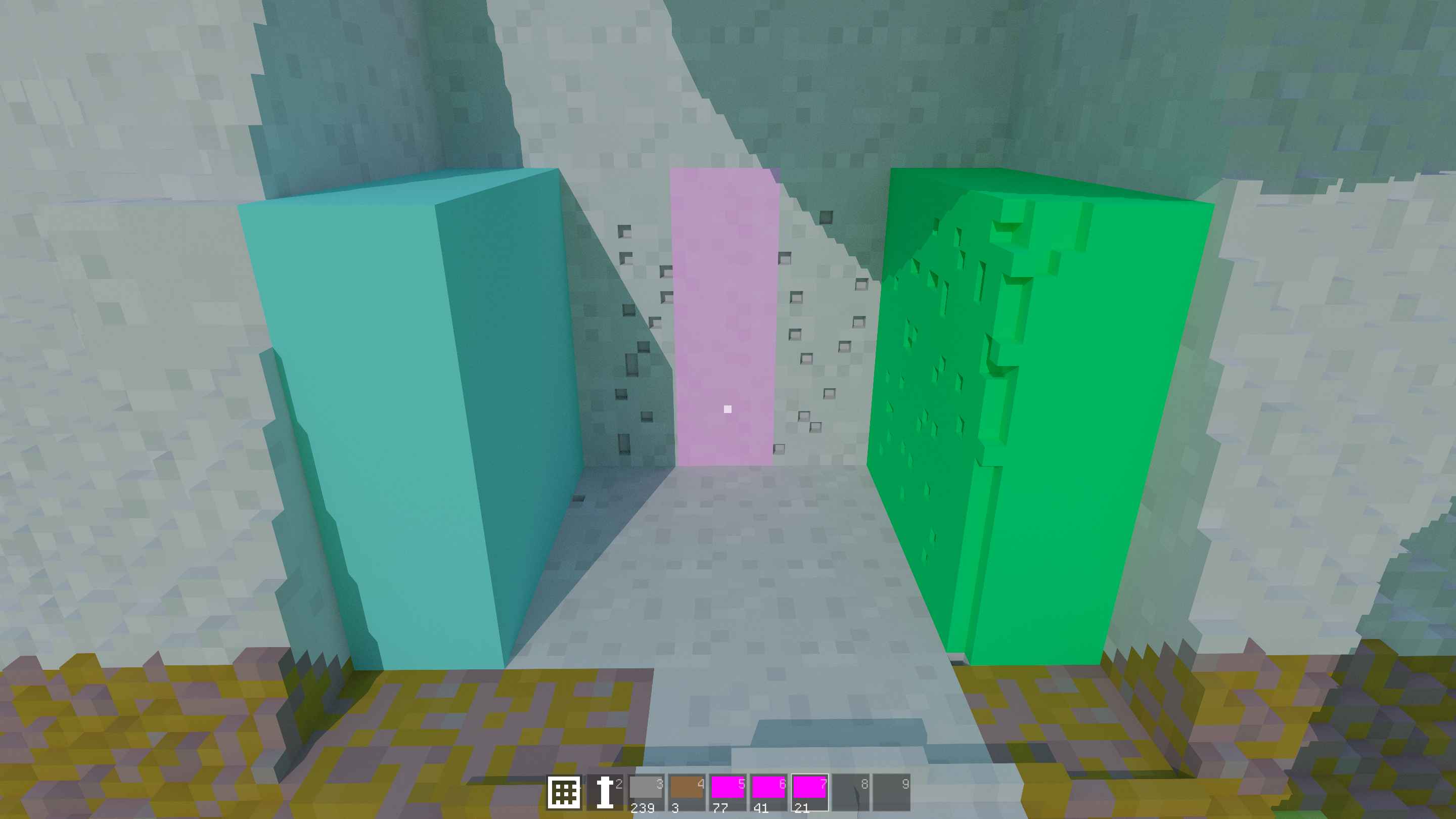
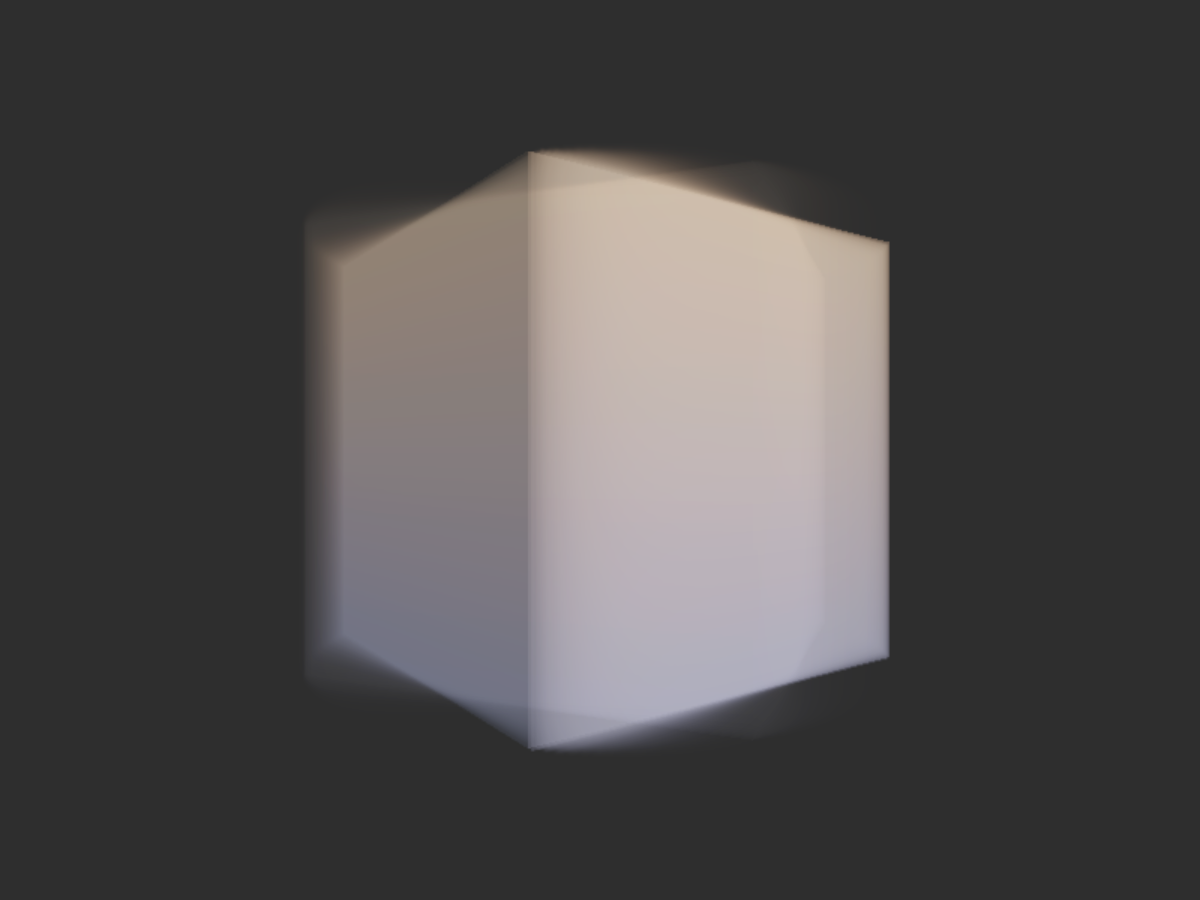
Before ripping out the whole rendering pipeline I implemented a very simple path tracer that I can toggle to use as reference. It looks great but it’s completely useless for a game since it takes several seconds to converge to something that looks good. I don’t necessarily need to mimic it completely but it’s still good to have an understanding of what to expect.
Now I’m deep into an overhaul of the lighting pipeline, taking some inspiration both from Tiny Glade and Metro Exodus. Let’s see where that takes me.
Misc
Sound
I also tasked Claude with implementing a system for audio. It required some supervision, like telling it to use zaudio and exactly what API I wanted. But now I have sound in the game!
“Gameplay”
Here’s a short video to showcase the game aspects. Sorry for the quality though, my screen recorder went haywire and I have probably not touched video editing since I made a frag movie for CS 1.6.
Models
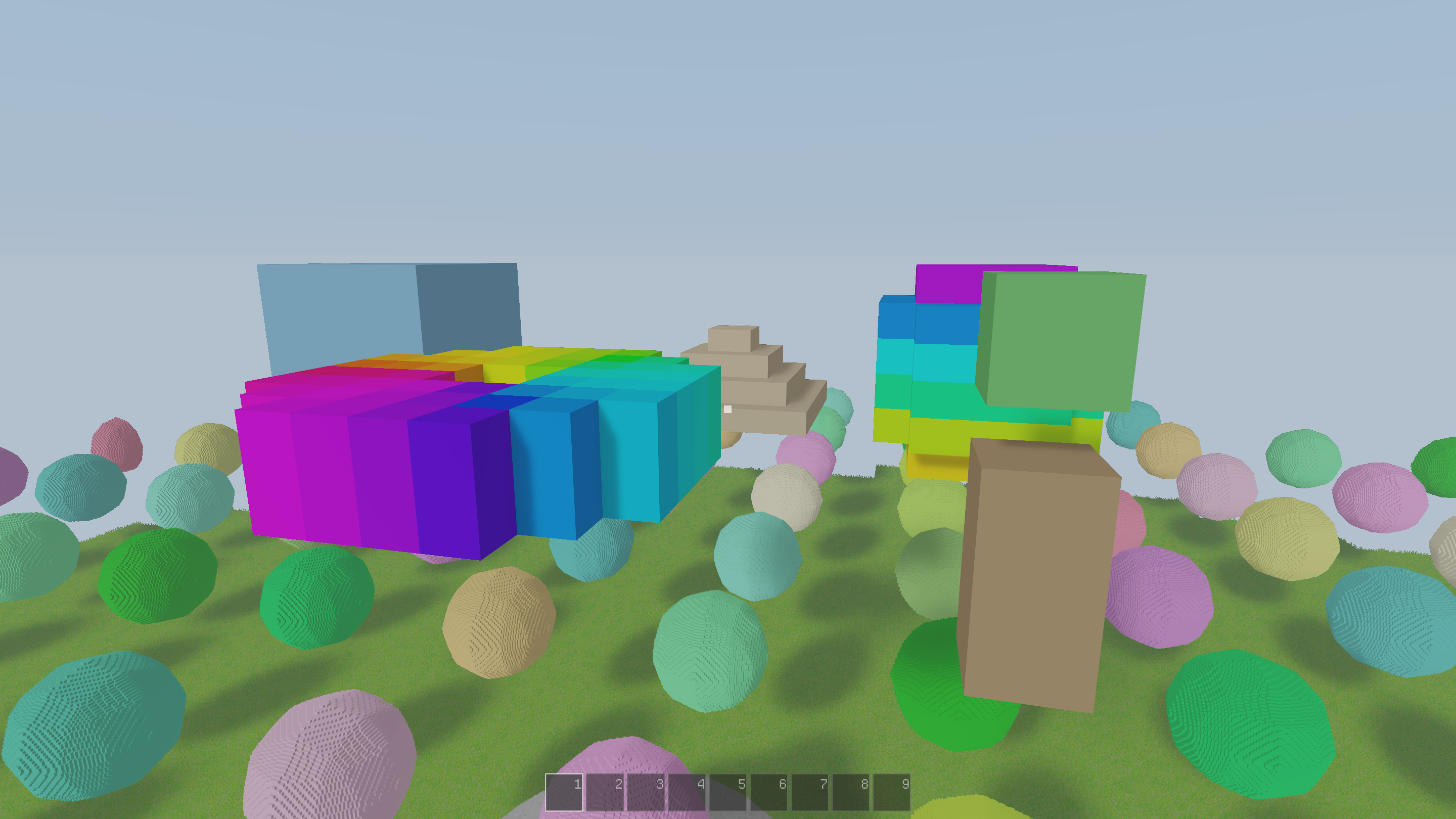
I implemented “models” into the game. A model in this case is just a small voxel structure not bound to the voxel terrain, such as something produced in MagicaVoxel. It can be transformed arbitrarily and I will need it to render things such as characters. Just as with the terrain, they are raycasted and they are integrated with the raycasting TLAS (kinda), meaning lighting and such just works as expected. The implementation is stupidly naive though and I will have to revisit this if I want more models in the world, like using a proper TLAS. The Vulkan ray tracing extension might help but that’s a big step.
Terrain generation
I wrote a small framework for describing scenes based on an SDF, so now I write them something like this:
pub fn scene(p: Vec3) Sample {
    const floor = plane(p, 4.0).as(.grass);
    const spheres = sphere(
        opRep(p, .{16, 0, 16}) - Vec{0, 16, 0},
        4.0,
    ).as(.dirt);
    return opUnion(floor, spheres);
}
The chunk generator then automatically handles determining what chunks to build, etc. This makes it really quick to test stuff.
Above I recreated my old procedural test terrain with this new system. I really should spend some time trying to make a terrain I might actually want to use in a game but procedural generation is such a deep rabbit hole.
Physics
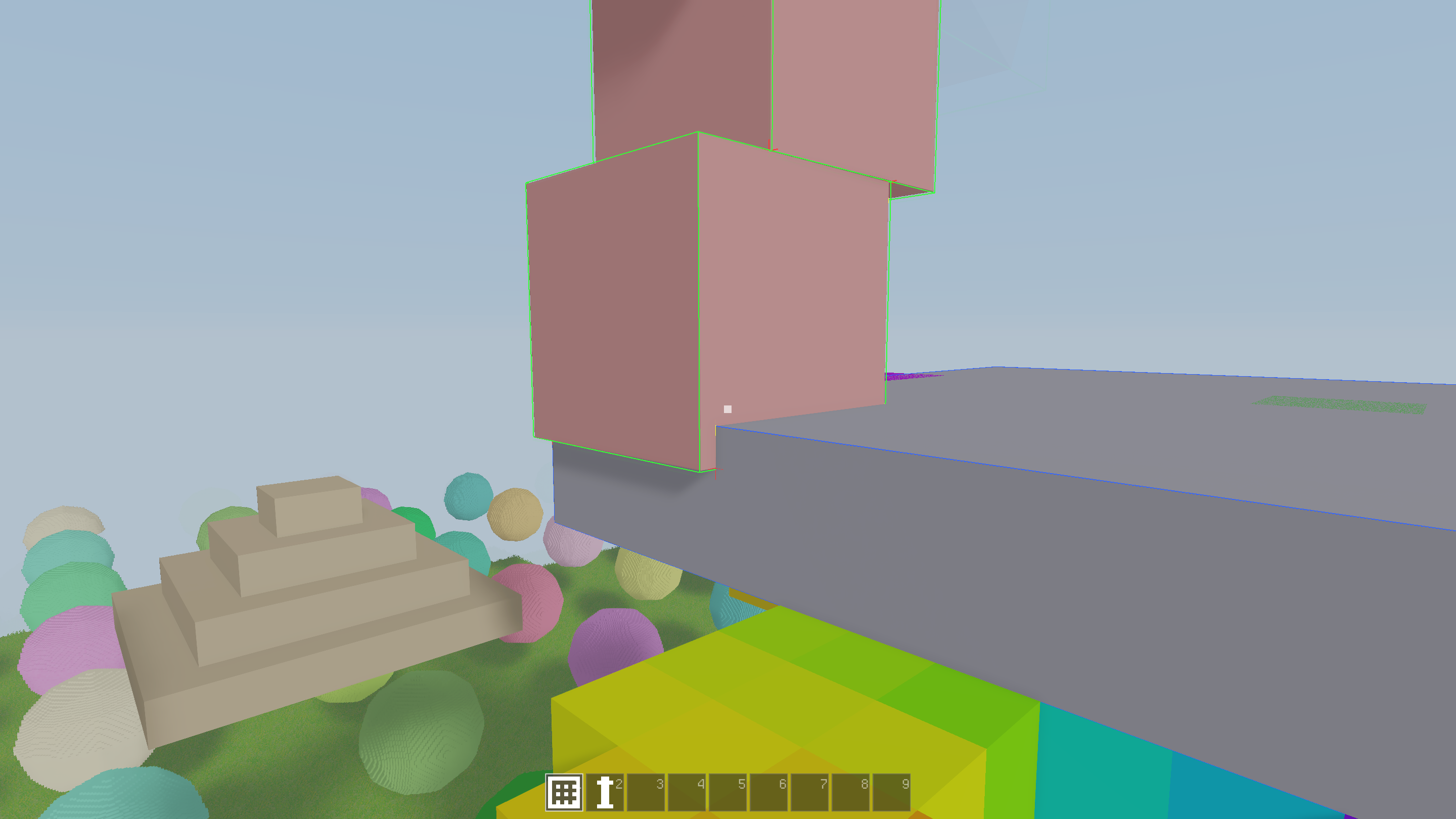
For fun I tasked Claude Code to implement a physics engine while I was working on the graphics. It took a few tries but it actually produced something that almost works! The remaining work to get it functional should not be underestimated though.
Graphics
While restructuring my voxels I took the opportunity to also do some general graphics improvements, working on things such as TAA, SSAO, fog, and sun lighting. I basically rebuilt the rendering flow, from outlining the pipeline to slowly integrating the new voxel structure, so below you see a neat timeline of screenshots.
First thing I wanted to improve was TAA.
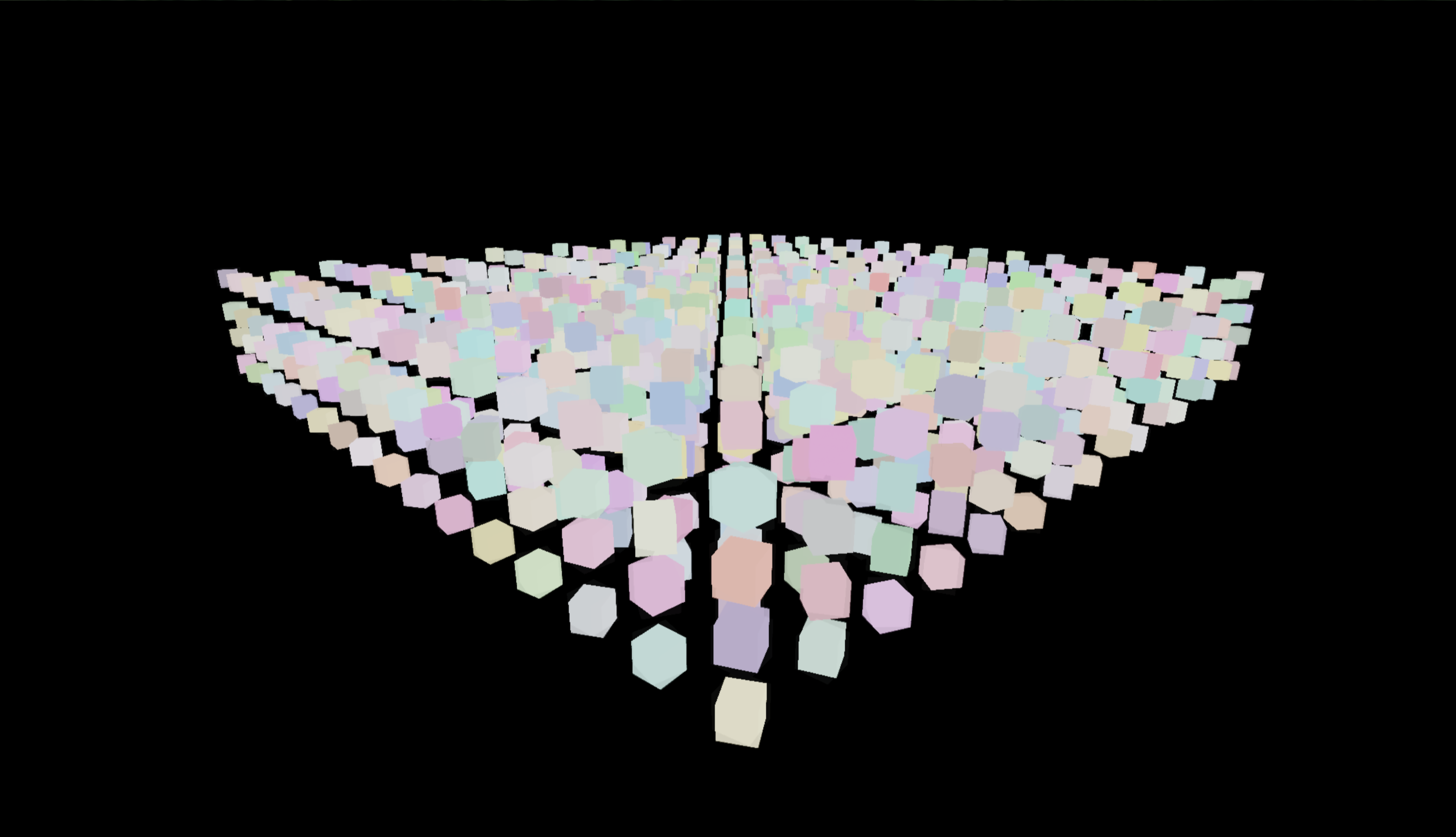
I think this was just a simple test scene while I was setting up the gbuffer. No lighting yet though.
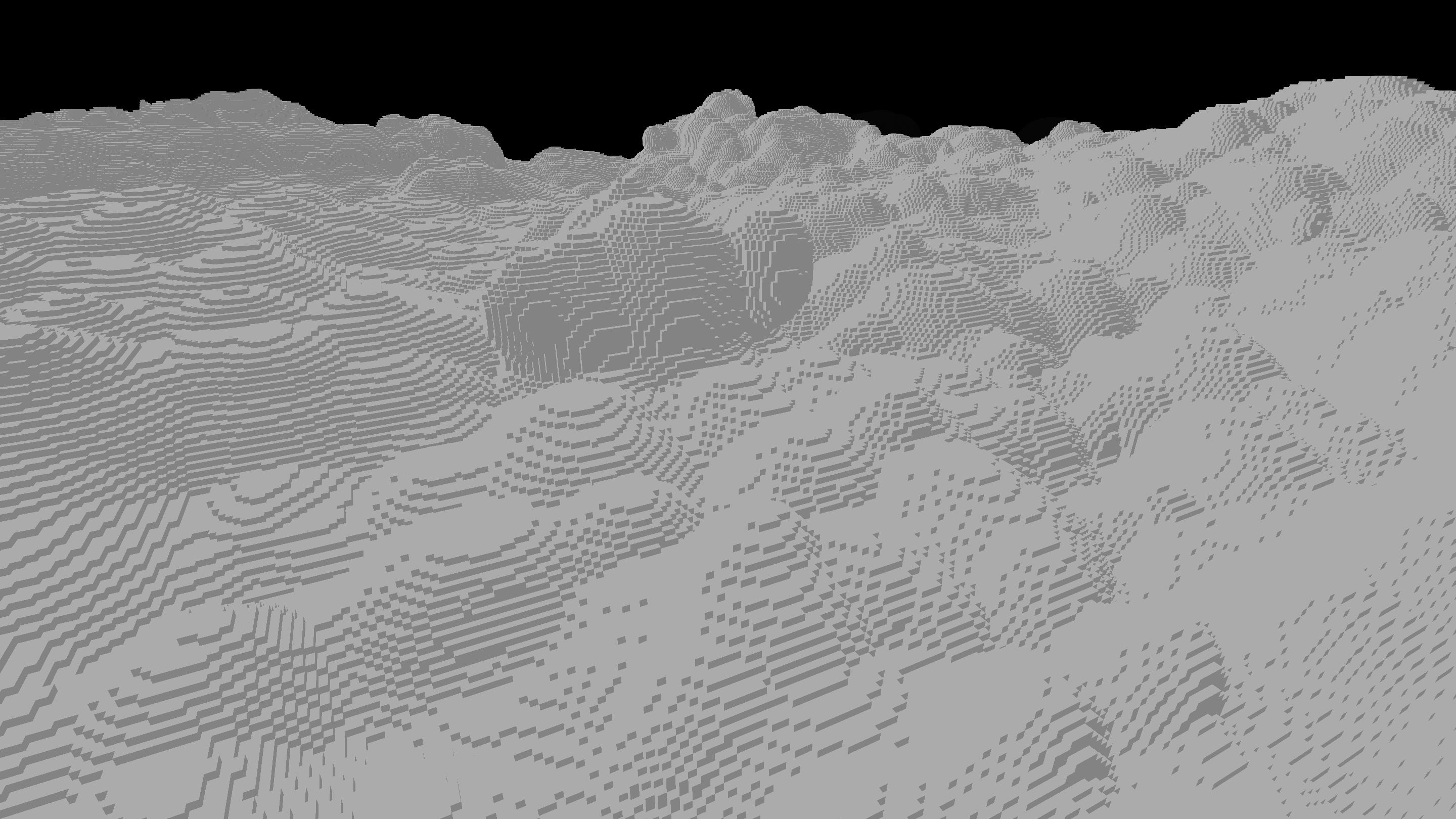
Putting the voxel pass back in.
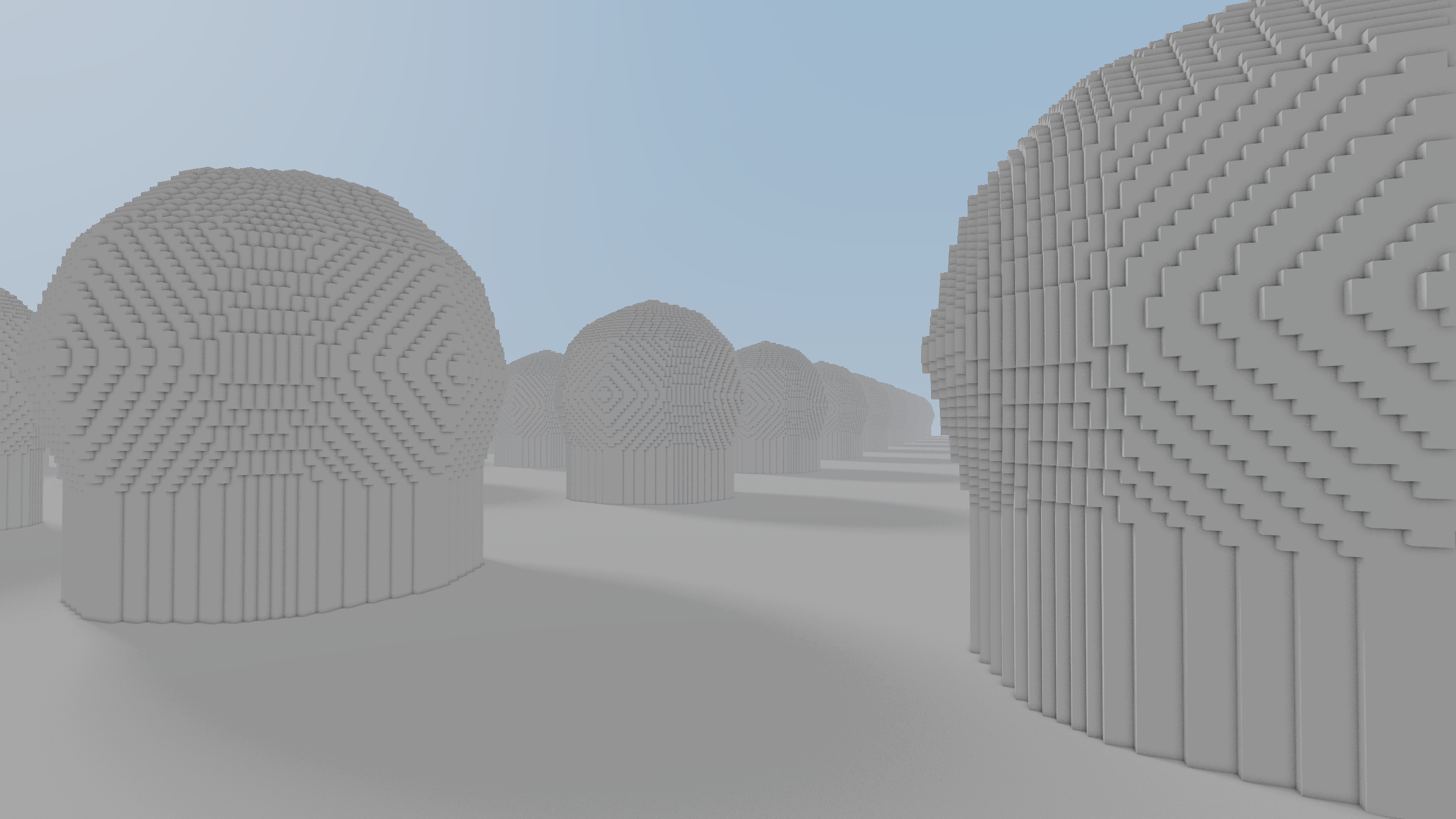
Added sunlight and shadows again, and SSAO from the looks of it.
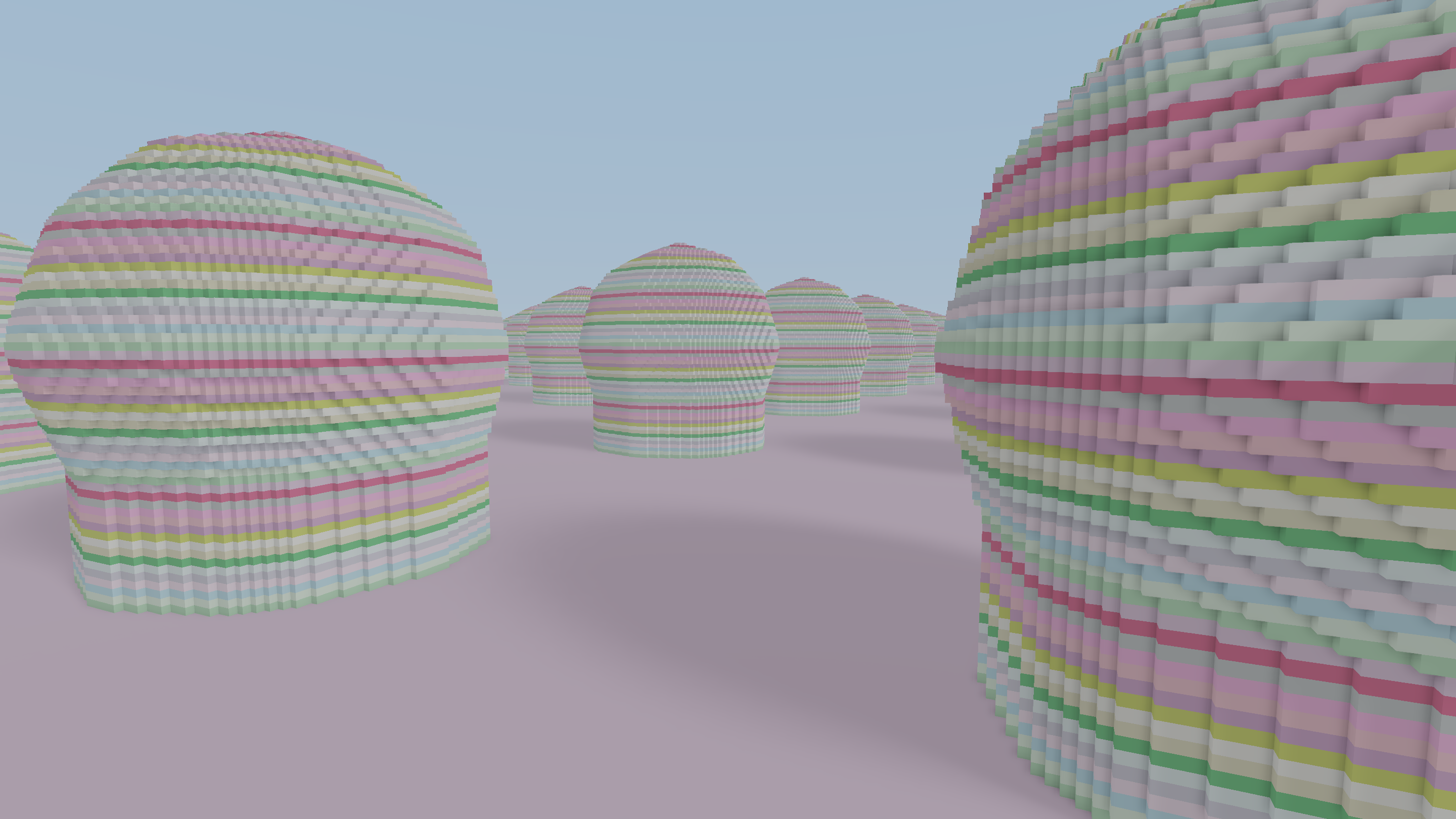
One significant change from before is that I now store voxel materials separate from the chunk BLAS and here I was setting that up.
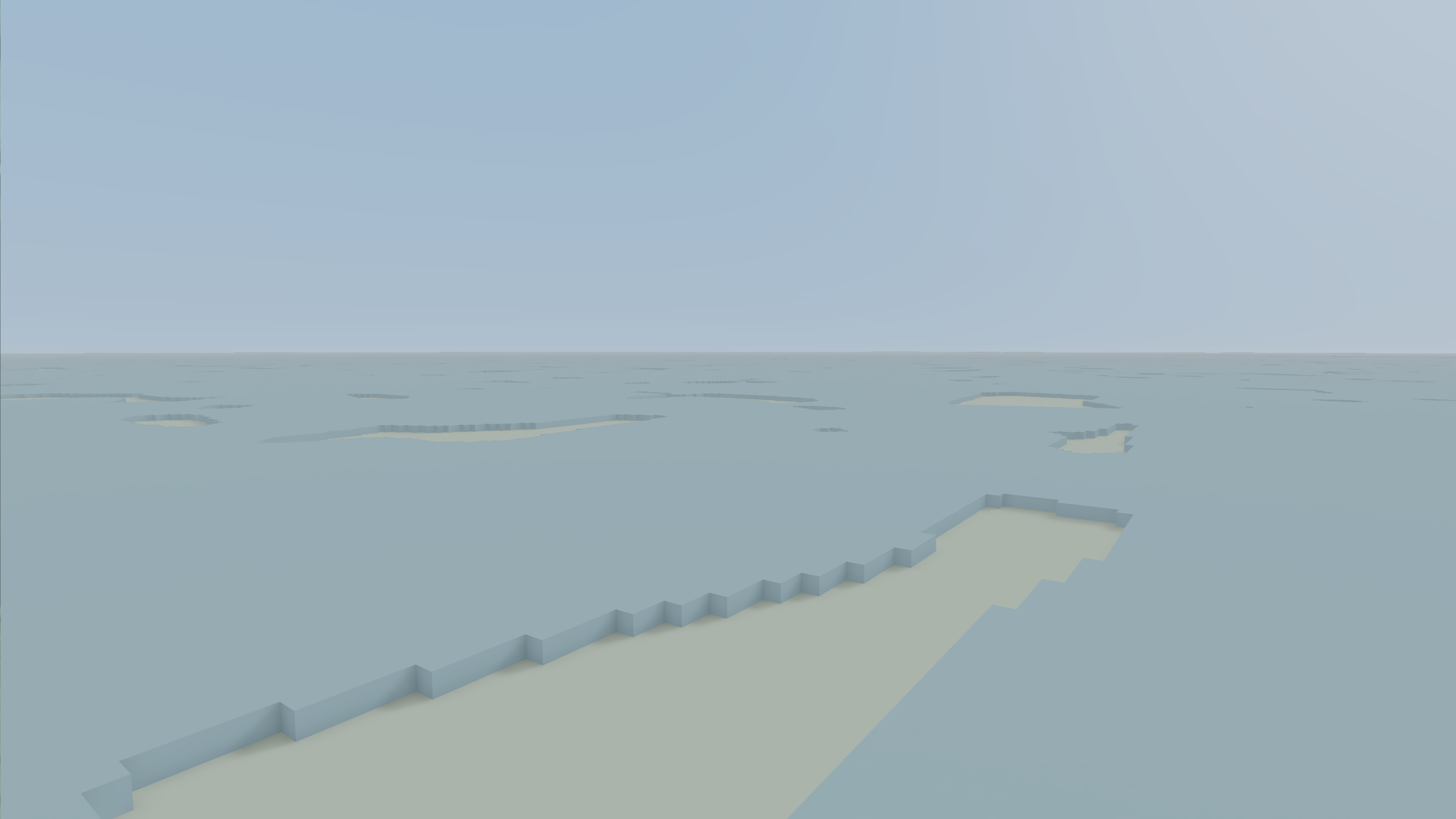
I think I made some attempt for fancy terrain, and failed.
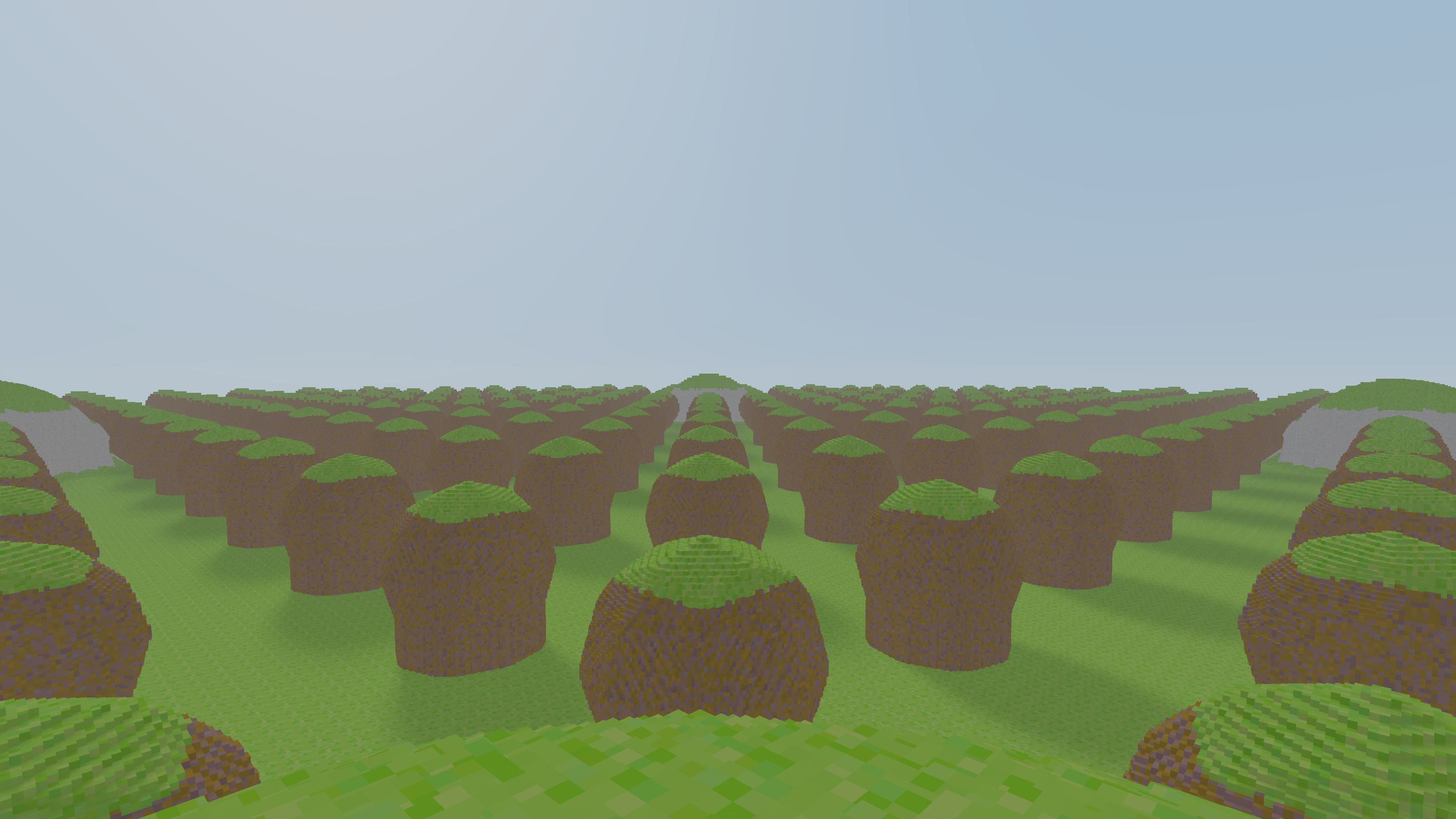
To control the color of voxel materials I have a big texture atlas which the rendering samples. Here I was setting that atlas up.
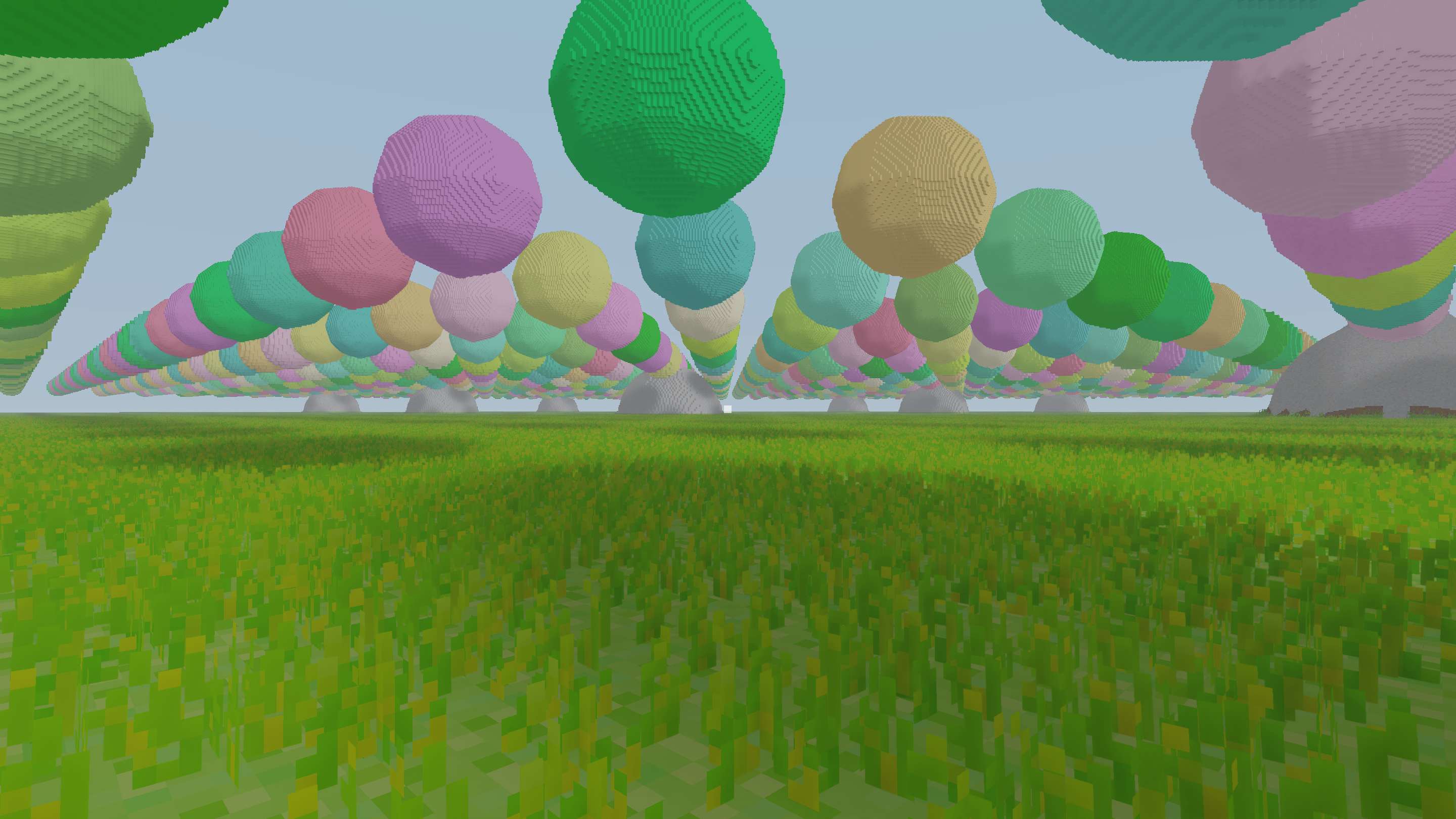
And finally, I added the foliage back. This was actually slightly easier than before as my new voxel structure made it easier to place grass billboards as this is all done on the GPU.
What’s next
As mentioned, I’ll definitely look more into the lighting. I think something to prioritize is to make sure caves look good in terms of lighting. Then I think I have everything to be able to try out some gameplay ideas. And I will definitely let Claude continue trying things out. Maybe not physics or lighting (I tried…) but I have other ideas. I have noticed that as long as it’s high level tasks and you provide a solid foundation it gets things mostly correct.